2026-09-24
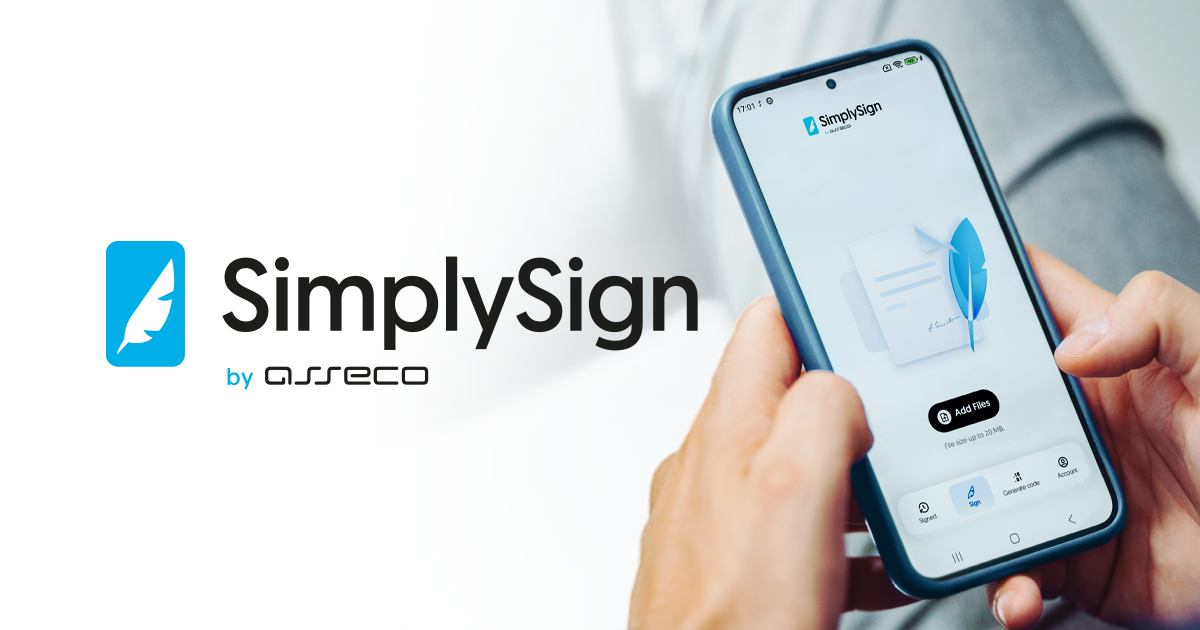
SimplySign with a new look. Even more convenient document signing on mobile devices
SimplySign with a new look. Even more convenient document signing on mobile devices
We have released the new 8.6 version of the SimplySign mobile application for Android and iOS. The app has a refreshed look, more intuitive navigation, and improvements that make everyday use of a qualified electronic signature easier. The new version also introduces technological changes that will support more efficient development of the application in the future.
A new look aligned with the Certum system design
One of the most visible changes is a completely refreshed user interface. The new look of the application has been designed to make using SimplySign even more intuitive and comfortable.
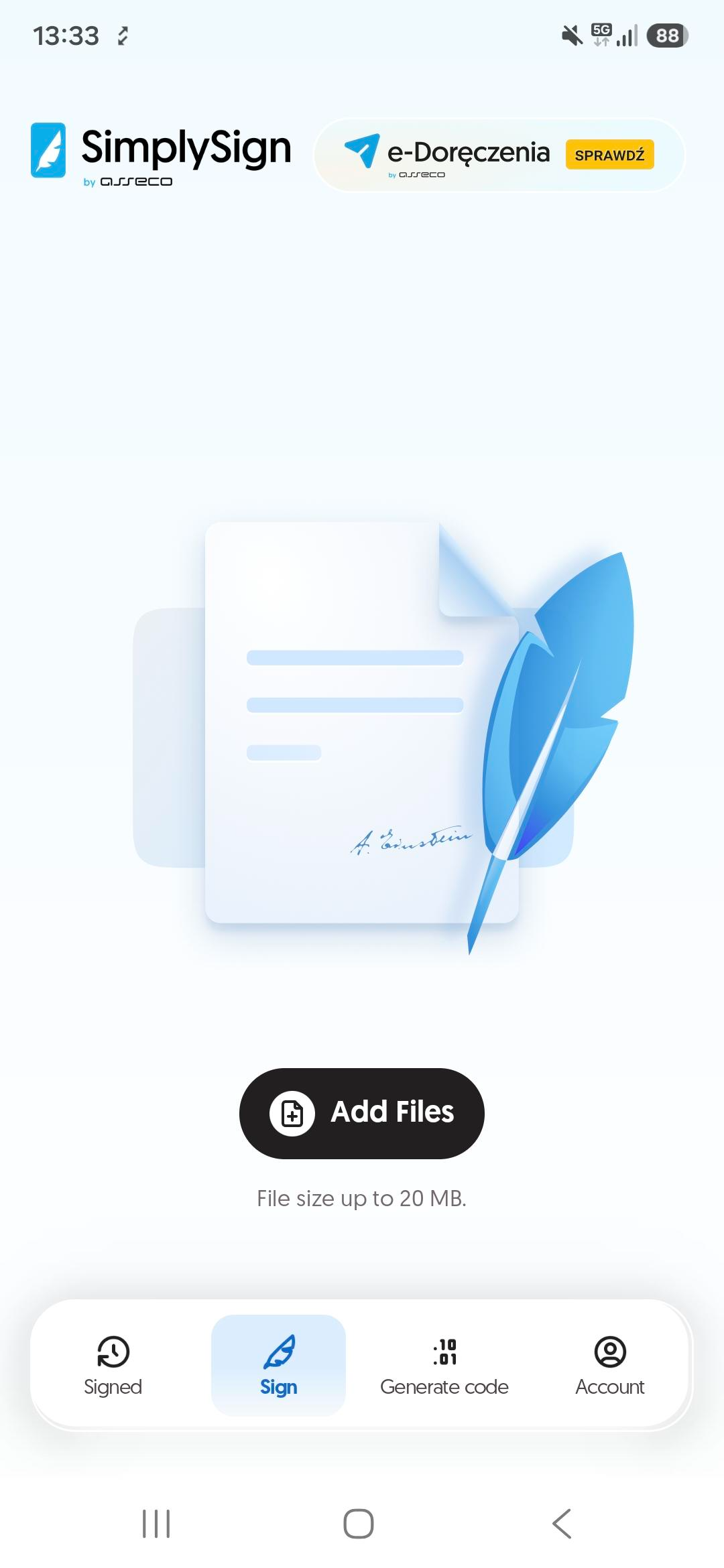
The key application screens have been redesigned, including activation, login, document signing, one-time code generation, and certificate management. Users will also gain a convenient bottom navigation bar that provides quick access to the most important functions.
No changes to the activation process
Despite the new look, the app activation process remains familiar to existing users. The same activation methods are still available:
- credentials,
- QR code,
- 16-character activation code.
This means that switching to the new version of the application will be simple and will not require users to learn new procedures.
Easy update for existing users
When updating from version 7.6 to version 8.6, the application will automatically transfer existing user accounts. This means that most users will be able to continue working without having to configure the application again.
More convenient use of one-time codes
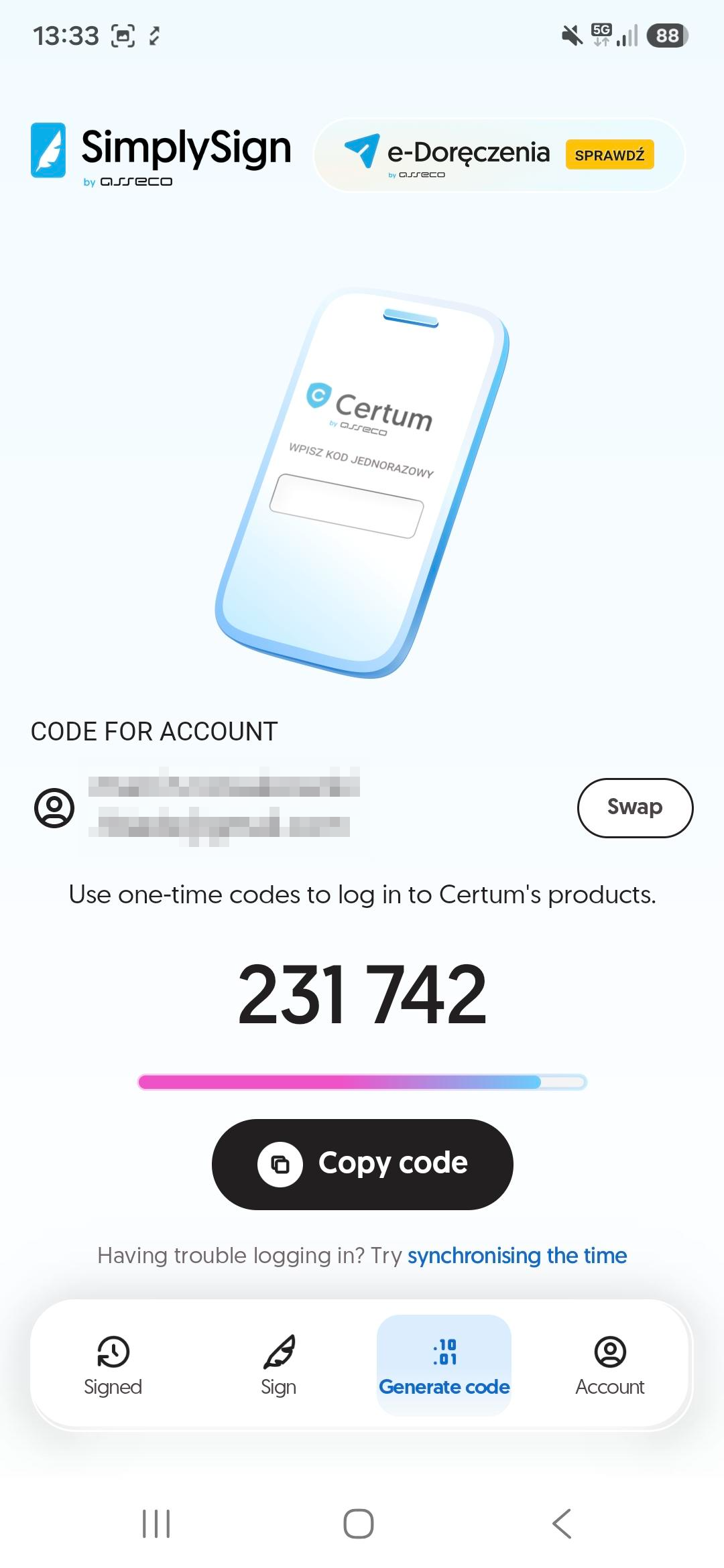
The new version also introduces improvements related to one-time code generation. Users can go to the generated one-time code screen without having to log out of the application, enabling faster use of Certum services that require additional authentication.
Clearer messages and better organization of information
In version 8.6, the way messages and errors are displayed has been changed. Information is now shown at the top of the screen, improving visibility and making it easier to respond to any issues that may occur while using the application.
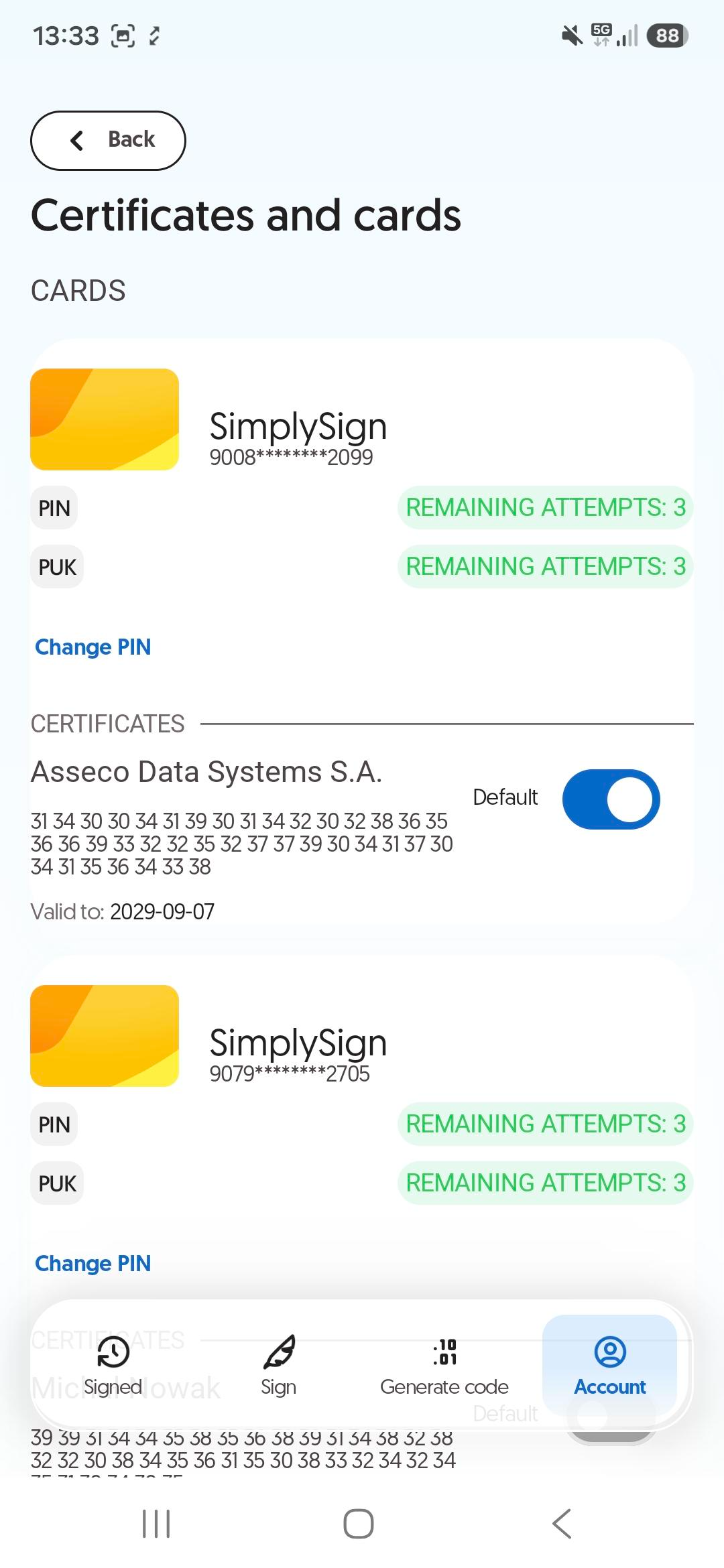
The certificate and card view has also been modified. The color scheme has been adapted to Certum standards:
- blue indicates non-qualified certificates,
- gold indicates qualified certificates.
This makes identifying individual certificates even easier.
New SimplySign logo
Along with the new version of the application, a refreshed SimplySign logo has also been introduced, better reflecting Certum’s current visual identity.
Solid foundations for the future
The new version of the application also uses the latest technological solutions. Although this change is not directly visible to users, it is important for the further development of the solution. It will make it easier to implement new features, maintain high security standards, and ensure compatibility with new versions of mobile operating systems.
Update and start using it — SimplySign 8.6 is now available
The new SimplySign 8.6 version will be available from 12 October this year for Android and iOS users. After the update, users will still be able to use all existing features related to document signing and authentication, while gaining a clearer and more intuitive interface.
FAQ – frequently asked questions about the new version of the SimplySign application
Do I need to activate the application again after the update?
No. In most cases, updating the application does not require reactivation. Existing user accounts will be automatically transferred to the new version.
Is the document signing process changing?
No. The change concerns the appearance of the application and the technological solutions used in it. The document signing process remains the same, so users can continue using the application in a familiar way.
Are the application’s features changing?
The key features remain unchanged. The new version focuses primarily on improving the user experience, refreshing the interface, and organizing information more clearly.
Can I still activate the application using a QR code or activation code?
Yes. The new version of the application supports the same activation methods as before, including activation using a QR code, credentials, and a 16-character activation code.
What should I do if I cannot see my certificates after updating the application?
First, close and restart the application and check your internet connection. If the problem persists, contact the Certum Customer Service Centre.
Do I need to install a new application?
No. Simply update your current SimplySign application to the latest version available in Google Play or the App Store.
Is the new version of the application secure?
Yes. SimplySign continues to provide the high level of security required for a qualified electronic signature. The use of the latest methods for designing application architecture makes it easier to develop the solution and maintain compliance with applicable standards for mobile systems.
Does the new look of the application affect the validity of my certificate?
No. Updating the application does not affect the validity or operation of your certificates.
Does the new application work on Android devices and iPhones?
Yes. The refreshed version of SimplySign is available for both Android and iOS devices.