
Is Your Application Driving Users Away?
The operating system displays security warnings, causing users to abandon installation because the publisher is unknown.
How to activate NEW
Certum's electronic signature?
How to activate NEW
Certum's electronic signature?
Sign your code, protect your software, and build customer confidence.
Buy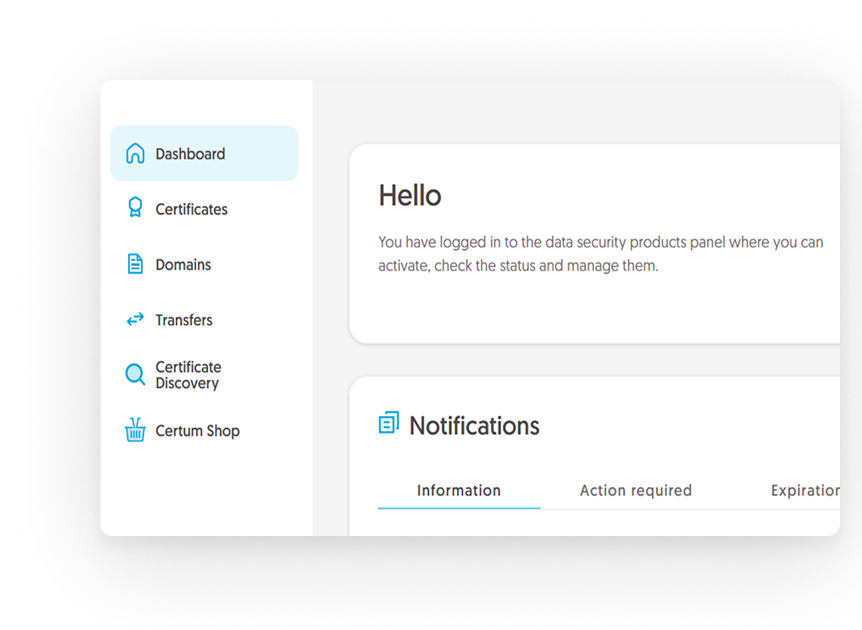







The operating system displays security warnings, causing users to abandon installation because the publisher is unknown.
Without Code Signing, there is no guarantee that your software will remain unchanged after publication, and users are often reluctant to trust unsigned files.
Unsigned applications can reduce your company’s credibility and may fail to meet the security requirements of business partners and customers.
Sign your code with a Code Signing certificate and clearly show who is behind your application. Build trust from the first click and reduce abandoned installations.
Signing your application with a Code Signing certificate ensures file integrity. Any modification made after signing is immediately detected, giving users confidence that they are installing authentic and secure software.
A Code Signing certificate is an industry standard for software distribution. It verifies the publisher’s identity, enhances company credibility, and helps organizations meet security and compliance requirements.
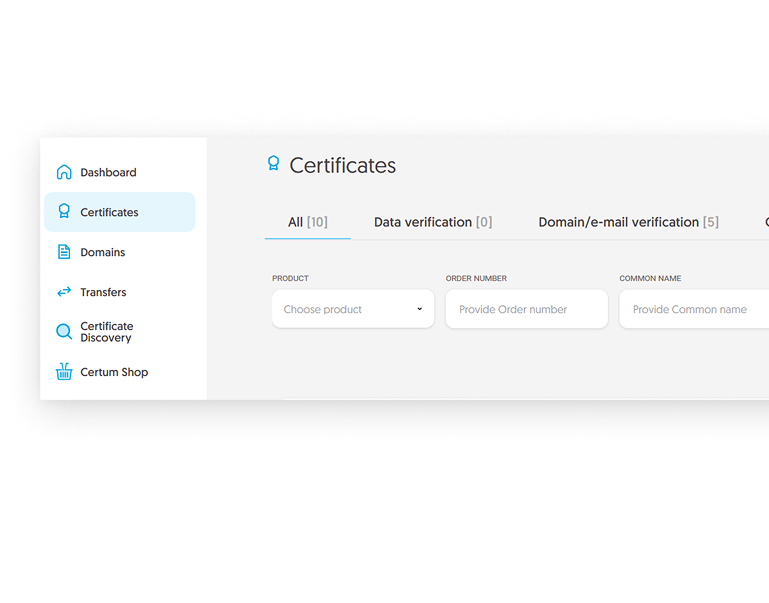
With CertManager, you have access to all your certificates in one place, including their status and lifecycle information.
With a Certum Code Signing certificate, you receive:
Verified Organization Identity
Secure Private Key Storage Options
Timestamping Support
Compatibility with the Microsoft
Ecosystem and Popular Development
Platforms
Support Throughout the Entire Certificate
Issuance Process
Trust Backed by Certum’s Infrastructure - a
European Certificate Authority
A Code Signing Certificate is a digital credential used to sign applications, software, and drivers. It verifies the publisher’s identity and ensures that the code has not been modified since it was signed.
A digital signature increases user trust and enhances the credibility of your application. It helps build software reputation within operating systems and security solutions.
A Code Signing Certificate creates a digital signature that links the application to its publisher. During installation, the operating system verifies the signature and the integrity of the file, informing users whether the software can be trusted.
EV Code Signing differs from OV primarily in the scope and rigor of the validation process. With EV, the organization’s identity is verified through a more detailed validation procedure, and the certificate is available only to registered companies. OV certificates involve a simpler validation process and can also be issued to individuals.
In practice, EV certificates are used in more demanding scenarios, such as enrolling in the Microsoft Windows Hardware Program for driver signing, while OV certificates provide a standard solution for most software-signing needs.
Once the certificate has been issued, you can sign your application using dedicated tools such as SignTool or Jarsigner.
Code Signing is supported on major platforms, including Windows, macOS, and Linux, depending on the type of software being signed.
Thanks to timestamping, signed files remain valid even after the certificate expires, provided the signature was created while the certificate was still valid.
No. Code Signing is used to sign software, while SSL/TLS certificates are used to secure communications between websites and their visitors.
You can order a Code Signing Certificate directly from Certum, with access to the CertManager platform that provides convenient certificate and lifecycle management.


